
A short book trailer can contain moving clouds, dramatic music, and an impressive title reveal while leaving the viewer unsure what the book is about. Motion makes a presentation active; it does not automatically give the presentation a clear idea. Planning a trailer begins with the same question that helps a cover: what should a reader recognize? The answer can then guide the sequence, the text, and the role of each visual element.
Treat the trailer as a small communication task. It is not required to summarize every chapter or recreate the book as a film. A reflective journal may need to communicate a routine and a mood. A puzzle collection may need to show the kind of activity inside. A novel may need one intriguing situation. Choosing a narrow purpose gives the sequence a beginning and an ending without forcing a complex story into a short format.
Write the viewing takeaway first
Describe what the viewer should know after watching. Separate that takeaway from the action you hope they will take next. Understanding that a book contains guided nature observations is different from clicking a link to learn more. The first is a communication goal; the second depends on the surrounding placement and audience. Build a sequence that achieves the communication goal before adding more elements intended to create excitement.
Use a sentence you can test against the actual manuscript. If the proposed takeaway promises an experience the book does not provide, revise it. A trailer for a practical workbook should not suggest a fully illustrated reference encyclopedia. A quiet story should not be presented as constant action solely because fast cuts look impressive. The promotion and the reading experience should make sense together, even when the trailer leaves most details unexplained.
Choose a visual thread the book already supports
Look for one recurring subject, setting, or design idea that can connect the shots. The cover may provide a useful starting point, but a repeated color alone is rarely enough. Ask what each shot contributes to the same central idea. A desk, an open journal, and a small observation from outdoors might form a coherent sequence. An unrelated collection of attractive stock scenes may introduce several stories that the trailer never resolves.
If the cover concept is still unsettled, first develop a book’s visual direction in the book project. OneKDP includes tools for creating and refining a cover alongside editable book pages. This can help an author establish the relationship between the content and its presentation before planning promotional motion. The workspace is for book and cover preparation; the separate video workflow should be chosen for the trailer’s actual production needs.
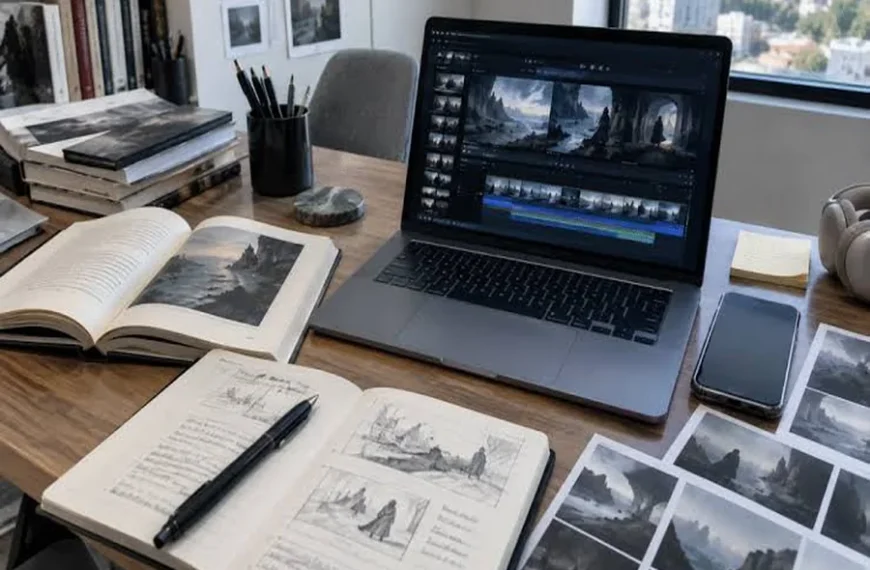
Storyboard with still frames
Make a rough sequence of a few frames before creating moving footage. Describe the subject, the information on screen, and the reason for the transition. This can be done with simple rectangles and short notes. A storyboard exposes missing connections cheaply. If two adjacent frames do not follow from one another as still ideas, adding a camera move is unlikely to supply the missing explanation.
Give each frame one primary job. An opening image might establish the setting, a middle frame might show the book’s kind of experience, and the final frame might identify the title clearly. These jobs can overlap, but they should remain understandable. Check whether a viewer unfamiliar with the project could follow the sequence without hearing a long explanation from the author. Remove a shot when its purpose cannot be stated simply.
Make movement earn its place
Once the sequence works, describe the motion that helps each frame. A gentle change of light may support a reflective tone. A simple reveal may make a puzzle page easier to understand. Several simultaneous movements can make text and details harder to read. Keep the camera behavior separate from the subject’s movement so that the intended effect remains specific and reviewable during production.
Pay attention to time for reading. Words that look comfortable on a static design may pass too quickly inside a video. Read the text naturally while watching the sequence at its intended speed. Do not rely on the editor’s familiarity with the wording. Someone encountering the title or subtitle for the first time needs enough time to recognize the words and connect them to the image before the next cut appears.
Review sound and silence separately
Music changes the interpretation of a scene, so compare it with the book’s tone rather than choosing the most dramatic option. Use audio you have permission to use for the intended purpose. Then watch the trailer without sound. If essential information disappears, decide whether a clear text cue or a different shot would help. The silent version is a useful communication test even when sound will usually accompany the video.
Finish by checking the actual output in its intended placement. Inspect the title, cropping, closing frame, and relationship to the surrounding description or link. A book trailer does not need to show everything the creator can animate. It needs a recognizable promise carried through a small sequence. When the book, cover, and trailer share that promise, the moving presentation can feel like an extension of the project rather than an unrelated display of effects.


