
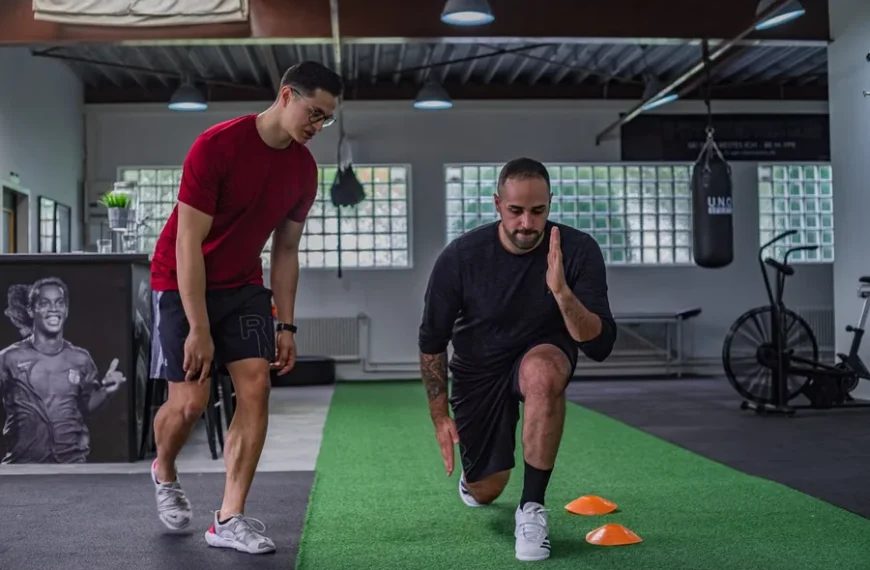
Creating videos allows athletic coaches to reach clients far beyond the physical gym floor. Clear footage helps athletes understand precise exercise techniques and maintain proper movement patterns.
Simple recording setups deliver high-quality results without requiring expensive studio gear. Focus on clear visuals, solid audio, and direct instruction to build useful fitness media.
Planning Your Instructional Content
Outline every movement pattern before picking up a video camera. Skimming through a quick shot list keeps filming sessions organized and smooth. Planning ahead prevents unnecessary retakes and wasted gym time.
Key elements to draft before recording include:
1.Detailed target muscles and specific movement cues
2. Exact starting body positions and equipment setup
3. Specific repetition counts and precise tempo speeds
Direct instructions keep viewers focused on proper execution without extra fluff. Clear demonstration combined with brief spoken cues delivers strong educational value. Athletes retain information better when demonstrations remain clear and straightforward.
Mastering Camera Angles and Positioning
Position the tripod at hip height to avoid distorting physical body proportions during heavy lifts. Side angles reveal joint alignment, and front views display lateral symmetry clearly. Changing elevation levels changes how body mechanics appear on screen.
Athletic movements require multiple perspective shots to capture true form. Instructors learning how to develop a top-notch corrective exercise certification program often record sagittal and frontal perspectives for complete movement analysis. Swapping camera positions between sets gives viewers a full view of complex mechanics.
Keep the tripod perfectly steady throughout dynamic movements like jumps or sprints. High frame rate settings prevent blur when analyzing rapid athletic motion in slow playback. Stable footage makes movement breakdowns easier for clients to evaluate.
Managing Gym Lighting Challenges
Training facilities present difficult lighting environments for recording high-quality video content. Heavy overhead lights create harsh shadows across the face and torso. Dark shadows obscure small movement details that athletes need to observe.
One industry guide noted that gym lighting is often a mix of overhead fluorescents and natural light, which can challenge your point-of-view workout video. Adding a portable ring light fills in dark shadows and balances conflicting color tones. Proper illumination makes exercise visual steps clear for every viewer.
Face toward primary windows whenever natural daylight is available inside the facility. Position supplementary lights slightly off to the side to highlight muscle definition. Balanced light produces professional clips without needing full studio production teams.
Capturing Clear Audio in Loud Environments
Background noise from clanking weights and loud gym music ruins instructional clarity. Viewers tune out quickly when spoken cues sound muffled or distant. Clear sound quality matters just as much as sharp video resolution.
Wireless lapel microphones attached to athletic shirts keep spoken instruction crisp and direct. Position the receiver close to the transmitter to prevent signal drops during movement. Good mic placement eliminates unwanted room echo from large training spaces.
Windscreen covers protect microphone capsules when filming outdoor field drills. Testing audio levels before full recording sessions saves editing time later on. Consistent audio keeps athletes focused on coaching instructions.
Streamlining the Editing Process
Post-production turns raw exercise footage into structured instructional lessons. Trimming dead space before and after movement demonstrations keeps video pacing fast. Quick cuts keep viewers engaged throughout the entire clip.
A recent digital production review highlighted that for small teams and non-designers, intuitive editing software offers the fastest learning curve when producing instructional material. Basic software programs permit rapid trimming without overwhelming complex interfaces. Simple tools speed up the publishing process for busy trainers.
Save standardized template layouts for logo graphics, titles, and movement labels. Reusing production templates speeds up weekly video output significantly. Organization in post-production saves hours of effort in the long run.
Maximizing Viewer Engagement Strategies
Attention spans run out quickly when educational videos feel drawn out. Delivering actionable movement cues within the first 5 seconds hooks athletes immediately. Direct value keeps viewers watching until the final demonstration.
An extensive content analysis of 13.5 million clips revealed that editing features like captions, B-roll footage, and transitions maximize engagement. On-screen text overlays reinforce key movement cues for viewers watching without sound enabled. Visual graphics reinforce key physical coaching points.
Insert close-up camera angles of feet or hands during intricate movements. Visual variety maintains active attention and clarifies proper exercise technique. Multiple views clarify subtle movement details that single angles miss.
Structuring Educational Video Series
Organizing videos into logical modules helps clients track physical progression. Consistent content structures build familiar learning habits across multi-week training programs. Sequential layouts simplify navigation through complex training routines.
Begin each video clip with a summary of targeted muscle benefits. Conclude movement demonstrations with common technique errors to prevent potential training injuries. Clear structure helps athletes execute movements safely.
Maintain uniform video cover images across all training playlists. Clean graphic thumbnails help clients locate specific exercises quickly inside your video library. Neat organization presents a professional brand image.
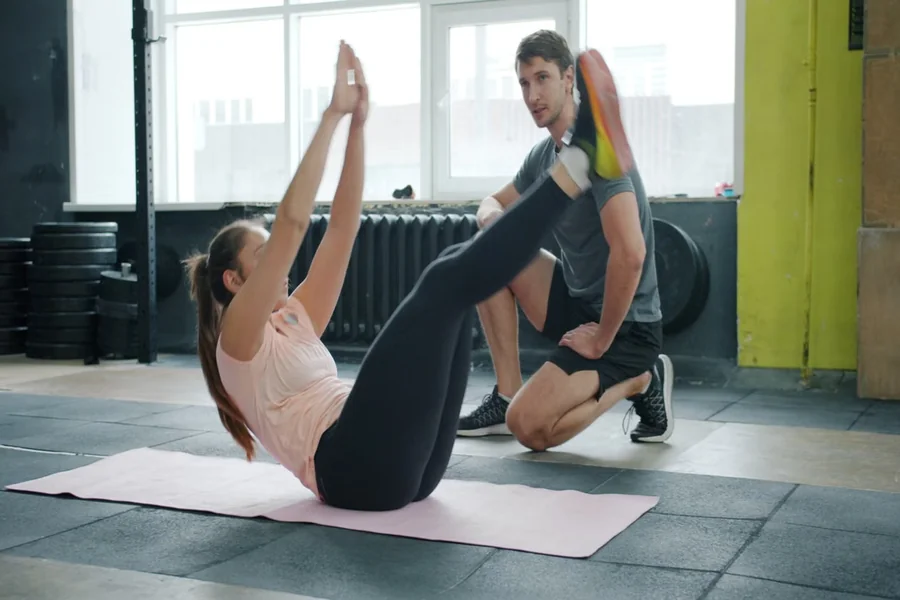
High-quality training videos bridge the gap between in-person coaching and remote athletic guidance. Consistent practice with camera positioning, balanced lighting, and clear audio turns simple clips into effective educational tools.
Refining these production techniques strengthens client communication and expands coaching reach. Start recording today to build a useful video library for your training business.


