
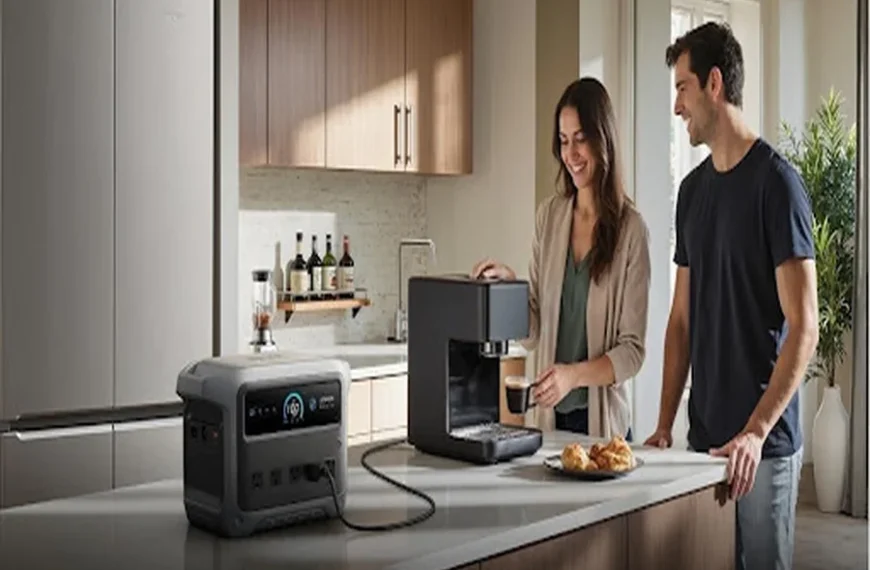
Portable power station ports determine which devices you can run directly, how fast they charge, and whether you need extra adapters. Choosing the right mix starts with the gear you actually use: appliances with wall plugs, laptops that prefer USB-C, phones and accessories on USB-A, or camping equipment built for 12V DC. Port labels matter, but output limits matter more. A station with many connections can still disappoint if individual ports are underpowered or share capacity. Understanding each port type helps you avoid slow charging, incompatible plugs, and wasted battery capacity in daily use.
Which Connections Match Your Everyday Devices?
AC Sockets for Appliances and Mains Chargers
AC sockets are the right choice for devices that normally plug into a wall outlet, including small appliances, camera battery chargers, desktop monitors, and many power tool chargers. They are also useful when your laptop uses a standard mains brick rather than USB-C. Focus on wattage, not just fit. If a device draws more than the station can supply, it will not run properly. For example, the Anker SOLIX C1000 Gen 2 provides 2,000W rated AC output, which suits many household and outdoor essentials. Use AC only when needed, since direct DC charging is often more efficient.
USB-C and USB-A Ports for Laptops and Mobile Devices
USB-C handles many modern laptops, tablets, phones, drones, and power banks, often with faster charging and less energy loss than AC adapters. Check whether your laptop needs 45W, 65W, 100W, or more before assuming any USB-C port will work. USB-A remains useful for older phones, lights, speakers, headphones, and wearables, but it usually delivers lower power. On the Anker SOLIX C1000 Gen 2, high-power USB-C output reaches up to 140W, while the shared USB-A and USB-C1 output is limited to 20W maximum. That makes port selection important when charging newer and older devices together.
12V DC Outlets for Compatible Camping and Vehicle Accessories
A 12V DC outlet is best for gear designed around vehicle-style power, such as portable fridges, air pumps, coolers, some routers, camping lights, and certain CPAP units with the proper cable. These devices often run more efficiently from DC than from an AC wall adapter plugged into the station. Always confirm voltage and current requirements before connecting anything. A standard car-style socket is not universal just because the plug fits. On the Anker SOLIX C1000 Gen 2, the 12V car-style outlet provides up to 10A or 120W, which covers many travel and campsite accessories safely.
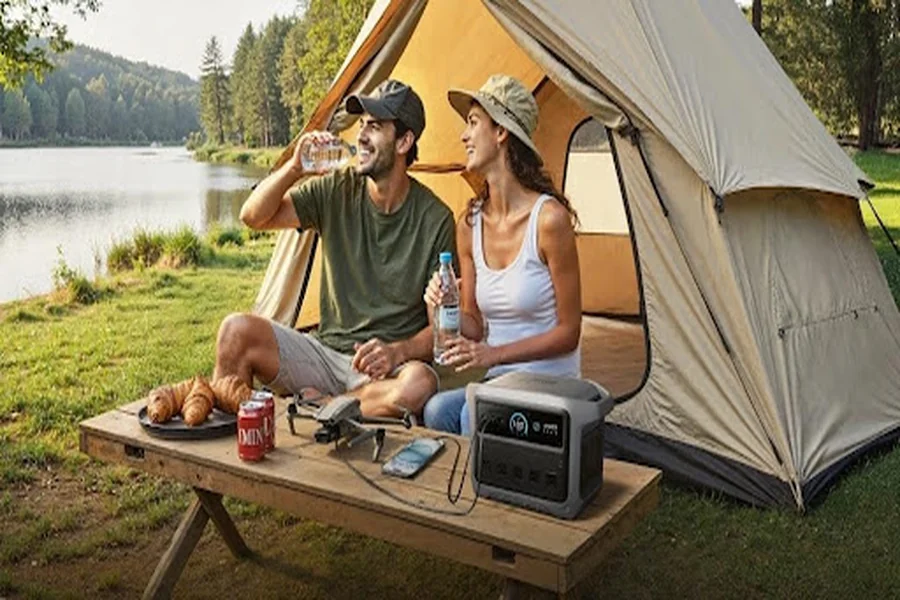
Why Does Port Power Matter More Than Port Count?
Check Each Port’s Output Against Your Device Requirements
The best portable power station is not the one with the most ports; it is the one whose outputs match your actual devices. A laptop that needs 100W USB-C will charge slowly or fail to charge on a weaker port. A small appliance may fit an AC socket but still exceed the inverter’s usable output. Even phones can behave differently, with some fast-charging only on specific USB-C profiles. Read your device label, charger, or manual and compare those numbers with the station’s per-port ratings. This simple check prevents poor performance, unnecessary troubleshooting, and buying a model that looks versatile on paper.
Account for Shared Limits When Connecting Several Devices
Shared limits often affect real-world charging more than headline specs. One USB-C port may support high power on its own, but total output can drop when another USB-C or USB-A port is active. That matters if you plan to charge a laptop, phone, and camera batteries at the same time. The result may be slower charging or a port that no longer meets your device’s minimum requirement. Review how the station groups its ports and whether outputs are reduced under multi-device use. Planning around shared limits helps you avoid disconnecting gear, rotating cables, or relying on AC adapters you hoped to leave behind.
How Can You Plan a Port Setup Without Unnecessary Adapters?
List the Devices You Need to Power at the Same Time
Start with a simple device list for the moments that matter most: working remotely, driving, camping, or handling a power cut. Write down each item, its plug type, and how many you expect to use at once. Include less obvious gear such as camera chargers, routers, heated blankets, or pumps. Then match each one to the most direct port available. If your laptop and phone both charge by USB-C, prioritize a station with enough suitable USB-C output instead of defaulting to AC sockets. This approach reduces conversion losses, keeps setup tidy, and prevents buying extra adapters you rarely need.
Choose Compatible Cables and Keep Charging Inputs Accessible
Good planning includes cables, not just ports. A high-power USB-C port only helps if you use a cable rated for the wattage your device expects. The same goes for 12V accessories, which may need the correct barrel connector or regulated car-style lead. Keep your most-used charging outputs easy to reach so you are not constantly rearranging plugs. If you recharge the power station regularly, leave space around its input ports and avoid blocking them with bulky adapters. A clean cable setup makes daily use easier, reduces wear on connectors, and helps you use the available ports exactly as intended.
Conclusion
The ports you need on a portable power station are the ones that match your devices directly and deliver enough power without compromise. AC sockets cover appliances and mains chargers, USB-C suits many modern laptops and phones, USB-A supports older mobile accessories, and 12V DC works well for vehicle-style equipment. To choose well, check each device’s power needs, then consider shared limits when several ports are active. A thoughtful port setup reduces adapter clutter, improves charging efficiency, and makes your power station more useful at home, on the road, or at camp.


